Best Crypto Wallets in 2026: 7 Compared After the $6.3B Binance Hack — Prices, Security, and the 1 Beginner Mistake to Avoid
After the $6.3B Binance hack and $4.72B in withdrawals, the wallet you pick matters more than ever. 7 wallets compared — Ledger from $79, Trezor Safe 5 at $169, free MetaMask, Trust Wallet and Phantom — plus the 1 beginner mistake that costs everything.
The $6.3 billion Binance hack changed the wallet question overnight: $4.72 billion in customer funds left the exchange within days of its November 1 reopening, and South Korea answered with a rule forcing exchanges to keep 99% of assets in cold wallets. The lesson is blunt — the safest wallet is the one you control, and the difference between a $149 hardware device and a free phone app can be the difference between sleeping well and starting over. This guide compares 7 crypto wallets for 2026 on price, security, and ease of use, so you can pick the right one for the amount you actually hold.
Bitcoin traded near $78,000–$80,000 through the first week of November 2026 after a V-shaped recovery from a $75,736 election-night low, and every major coin bounced with it. Prices recover. Stolen coins do not.
Why November 2026 Changed How Everyone Thinks About Wallets
On October 29, 2026, Binance disclosed a hot wallet hack estimated at about $6.3 billion. Hackers reportedly got in through a fake job interview: an engineer was approached on a legitimate job platform and told to download a coding assignment carrying malware. Within days of the exchange reopening on November 1, customers had withdrawn a net $4.72 billion, according to CoinDesk's reporting. The money did not vanish because crypto is broken — it moved because millions of people suddenly remembered the oldest rule in the space: not your keys, not your coins.
The regulatory response was just as fast. South Korea moved to require exchanges to hold 99% of customer assets in cold storage, and the episode revived a question every beginner eventually asks: if an exchange can lose billions, where should my coins actually live? The honest answer is that there is no single best wallet — there is a best wallet for each job. A free mobile wallet is perfect for $200 you plan to spend this week. It is a terrible place for a life savings position you plan to hold for five years. The comparison below is built around that distinction.
Before the rankings, one definition matters. A wallet does not hold your coins the way a physical wallet holds cash. Your coins live on the blockchain; the wallet holds the private keys that prove you own them. Lose the keys and the coins are gone, no matter how good the app looks.
Hot vs Cold Wallets: The One Decision That Matters Most
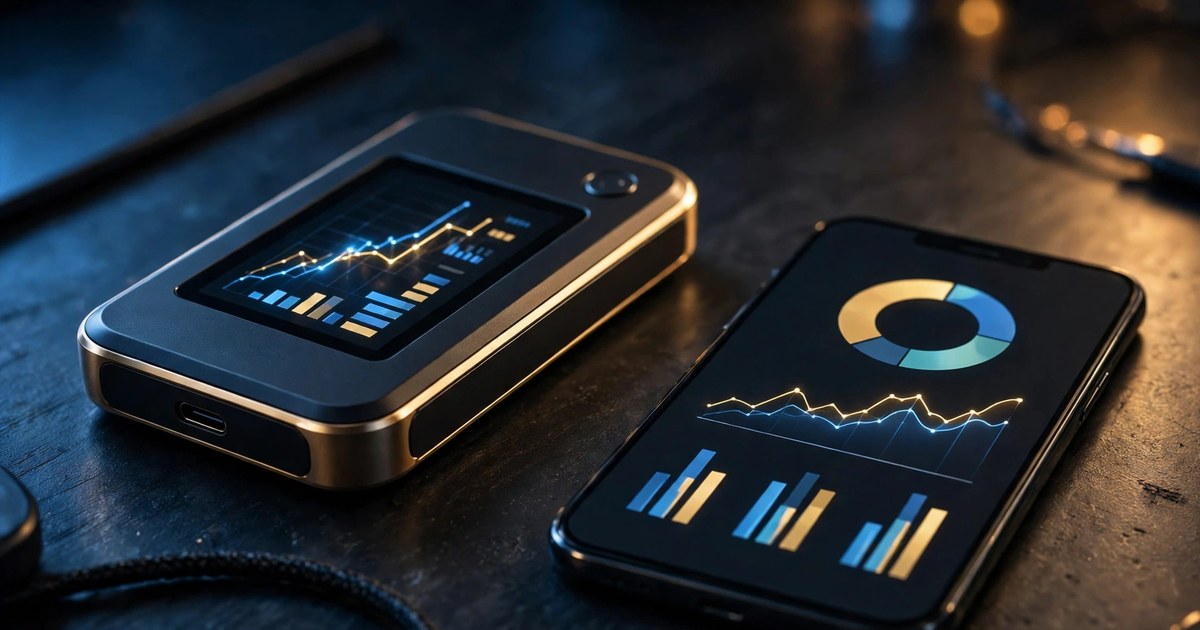
Hot wallets are software connected to the internet: browser extensions, mobile apps, and desktop programs. They are free, instant, and convenient — and permanently exposed to malware, phishing sites, and fake apps. Cold wallets are hardware devices that keep private keys offline and only sign transactions on the device itself. They cost money and add a few seconds to every transaction, and they are immune to the entire class of attacks that emptied exchange hot wallets.
Think of it like cash. A hot wallet is the money in your pocket: convenient, and you accept the risk of losing it. A cold wallet is a safe at home. Serious holders use both, in a split that matches their behavior: spending money in hot storage, savings in cold storage. A commonly used rule of thumb is that any amount whose loss would materially hurt belongs on a hardware device. At $49–$169 for the devices below, that insurance costs less than a single bad trade.
The table below summarizes the seven wallets before the detailed reviews. Prices are approximate list prices reported by 2026 wallet roundups and can vary with sales and region.
| Wallet | Type | Price | Best for | Coins supported |
|---|---|---|---|---|
| Ledger Nano X | Cold (hardware) | ~$149 | Most holders overall | 5,500+ |
| Trezor Safe 5 | Cold (hardware) | ~$169 | Open-source security fans | Thousands |
| Trezor Safe 3 | Cold (hardware) | ~$79 | Best value cold storage | Thousands |
| Ledger Nano S Plus | Cold (hardware) | ~$79 | Budget Ledger option | 5,500+ |
| MetaMask | Hot (browser/mobile) | Free | Ethereum and DeFi | EVM chains + more via Snaps |
| Trust Wallet | Hot (mobile) | Free | Multi-chain mobile use | 100+ blockchains |
| Phantom | Hot (browser/mobile) | Free | Solana-first users | SOL, EVM, BTC |
1. Ledger Nano X — Best Hardware Wallet Overall (~$149)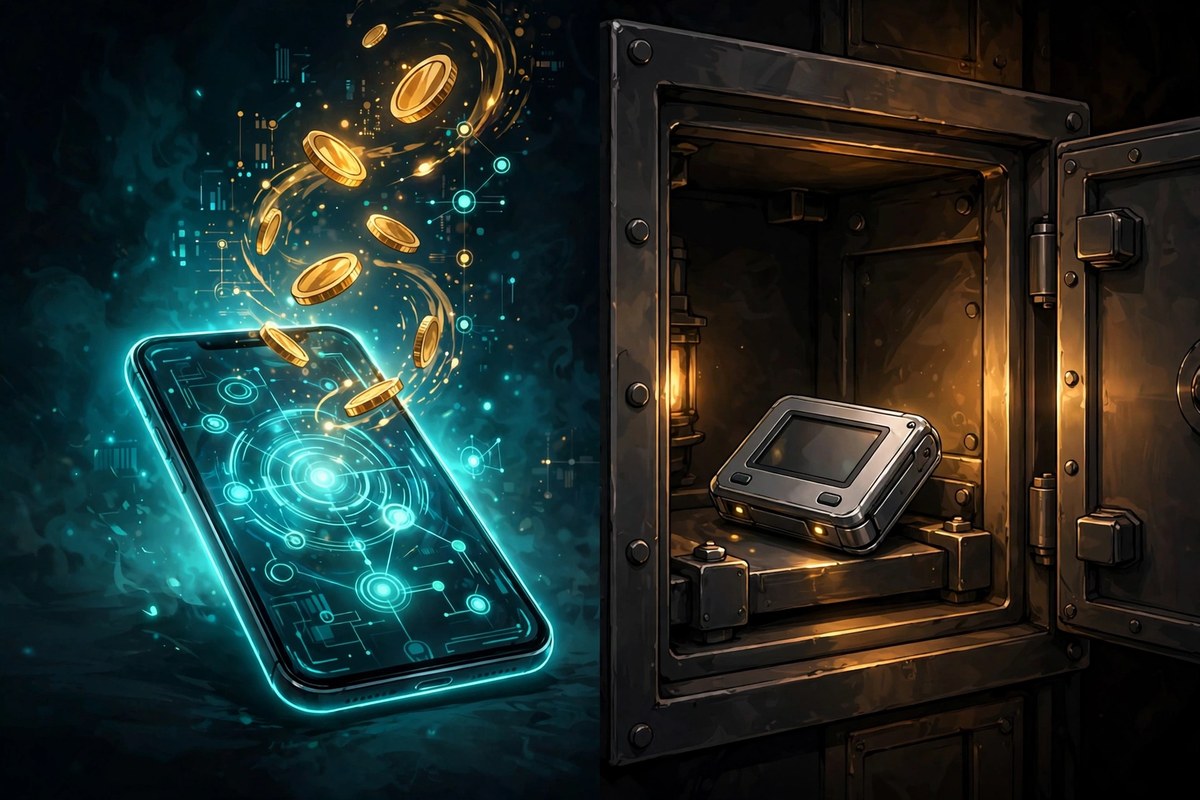
The Ledger Nano X is the default recommendation for most holders, and the numbers explain why: support for more than 5,500 coins and tokens across 100+ chains, a certified secure element chip — the same class of chip used in credit cards and passports — and Bluetooth connectivity so it works with a phone as well as a desktop. You verify every transaction on the device screen before it signs, which means malware on your computer cannot quietly swap in an attacker's address.
The trade-offs are real. Ledger's device firmware is proprietary rather than fully open source, which bothers purists who want every line of code publicly auditable. Neither issue changes the core security story: keys never leave the secure element, and that is the property you are paying $149 for.
Who should buy it: anyone holding more than a few hundred dollars across several chains who wants one device that covers Bitcoin, Ethereum, Solana, and most of the rest. If you are choosing your first hardware wallet and do not have a strong open-source preference, start here.
2. Trezor Safe 5 — Best for Open-Source Security (~$169)
Trezor is the original hardware wallet brand, and the Safe 5 is its answer to Ledger: a color touchscreen for verifying transactions on the device, a secure element added to the Safe range, and firmware that is fully open source and publicly auditable. It also supports Shamir backup, which splits your recovery into multiple shares so no single piece of paper can restore the wallet alone — a genuinely useful feature for anyone worried about a single point of failure at home.
At $169 it costs more than the Nano X, it has no Bluetooth, and some chains require third-party interfaces. For most buyers the decision comes down to philosophy: maximum coin coverage and a secure element, or fully auditable code and the longest track record in the business. Both are excellent; neither is wrong.
3. Trezor Safe 3 — Best Value Cold Storage (~$79)
If $149–$169 feels steep, the Safe 3 delivers the core Trezor proposition at $79: open-source firmware, a secure element rated EAL6+, and offline key storage. You give up the touchscreen and some polish, but you lose nothing that matters for security. For a first-time cold wallet buyer — especially someone whose main holdings are Bitcoin and Ethereum — this is the strongest value in the comparison.
The same caveat applies as with the Safe 5: no Bluetooth, and some assets need partner apps. But consider the math. South Korea's new rule exists because exchanges kept too much in hot wallets; a $79 device moves your savings into the category regulators now demand from professionals. That is cheap insurance by any measure.
4. Ledger Nano S Plus — Best Budget Ledger (~$79)
The Nano S Plus is Ledger's entry-level device: the same 5,500+ asset support and secure element as its bigger sibling, minus Bluetooth and with a smaller screen. If your holdings span many chains and you prefer Ledger's ecosystem but not the Nano X price, this is the natural pick. It connects over USB-C and works with Ledger Live exactly like the Nano X does.
Its weakness is convenience, not security. No Bluetooth means no phone-only signing on the go, and the smaller screen makes verifying long addresses slightly more tedious. For a device that mostly sits in a drawer and signs a few transactions a month, that is a fine trade.
5. MetaMask — Best Hot Wallet for Ethereum and DeFi (Free)
MetaMask is the standard wallet of the Ethereum ecosystem. Nearly every DeFi app, NFT marketplace, and Web3 site supports it first, and its browser extension plus mobile app cover most daily use. It supports Ethereum and all EVM-compatible networks, and Snaps extend it toward Bitcoin and Solana features, though the core design remains EVM-first. Its built-in swap charges a 0.875% service fee on top of network gas, so compare total cost before swapping inside the wallet.
The warning matters more than the features: MetaMask is the most phished wallet in crypto. Fake sites, fake extensions, and fake support accounts target it constantly, because it is the wallet most beginners install first. Use it for daily amounts and DeFi, pair it with a hardware wallet for signing when the amounts grow, and never type your seed phrase anywhere except the official app during setup. If you are new to DeFi, our guide to yield farming in crypto explains the rewards — and the risks — you will meet once you connect.
6. Trust Wallet — Best Mobile Multi-Chain Wallet (Free)
Trust Wallet supports more than 100 blockchains and millions of tokens, making it the top choice for users who need wide multi-chain compatibility on a phone. It is very easy to use, it is free, and it covers Bitcoin, Ethereum, Solana, and TON natively rather than through add-ons. For someone whose crypto life happens on mobile — buying, swapping, and checking balances — it is the most versatile free option.
Versatility is also its risk: a phone wallet is only as safe as the phone. A compromised device, a malicious app with screen-reading permissions, or a cloud backup that quietly includes your seed phrase can each defeat it. Keep daily amounts here and savings on hardware, and never screenshot your recovery phrase — screenshots sync to cloud accounts you forgot existed.
7. Phantom — Best for Solana Users (Free)
Phantom started as the Solana wallet and has grown into a multi-chain option covering SOL, EVM chains, and Bitcoin. If your portfolio leans Solana — staking, NFTs, or the app ecosystem — Phantom's speed and design beat general-purpose wallets for daily use. Solana staking through a self-custody wallet also keeps your rewards in your own hands rather than on an exchange; our Solana staking guide walks through the process step by step.
Phantom's limits mirror MetaMask's: it is a hot wallet, so it inherits hot-wallet risks, and its Solana-first heritage means some Ethereum-native features feel secondary. Use it as your Solana daily driver, not as your vault.
How to Choose: The 5-Question Checklist
Use this checklist before you buy anything. It takes two minutes and prevents the most common regret — buying the wrong type of wallet for the amount you hold.
- How much am I protecting? If losing it would materially hurt, a hardware device is the baseline. From $49–$79 for entry-level Trezor and Ledger models, the cost is small against what it protects.
- Which coins do I actually hold? Ledger covers 5,500+ assets; Trezor covers thousands but fewer small chains. Check your specific coins before ordering, not after.
- Phone or desktop? Only the Nano X offers Bluetooth among the hardware picks; the rest sign over USB. If you transact on mobile, that matters.
- Do I use DeFi daily? MetaMask (Ethereum) or Phantom (Solana) for daily use, paired with a hardware wallet for signing when amounts grow.
- Where will the recovery phrase live? Decide this before setup. A metal backup in a safe beats paper in a drawer, and both beat a photo on your phone.
One more practical point: buy from the manufacturer or an authorized reseller, never secondhand, and verify the device is genuine during setup.
What Most People Get Wrong About Wallets
Myth 1: "My coins are on the exchange, so they are insured." Exchange balances are IOUs, not your coins, and they are not covered by FDIC or SIPC-style protections. The Binance hack and the $4.72 billion in withdrawals that followed are the latest reminder that custody risk is real even at the largest platforms. If you keep funds on an exchange, learn how to verify your balance — and then move anything you are not actively trading into self-custody.
Myth 2: "A wallet app with a password is safe enough." A phone PIN or app password protects against a casual snooper, not against malware or a phishing site that tricks you into signing a malicious transaction. Hardware signing — physically confirming the address on a separate device screen — is what stops that class of attack.
Myth 3: "Cold storage means I can never lose my coins." Cold storage protects against hackers, not against losing your recovery phrase. Lose the phrase and lose access to the device, and no company can restore your funds. That is the price of self-custody, and it is why the backup step deserves more attention than the purchase.
Myth 4: "One wallet is enough." Professionals do not use one wallet, and neither should you. The working setup is boring and effective: a hot wallet with spending money, a hardware wallet with savings, and a recovery phrase stored separately from both.
The 1 Beginner Mistake That Costs Everything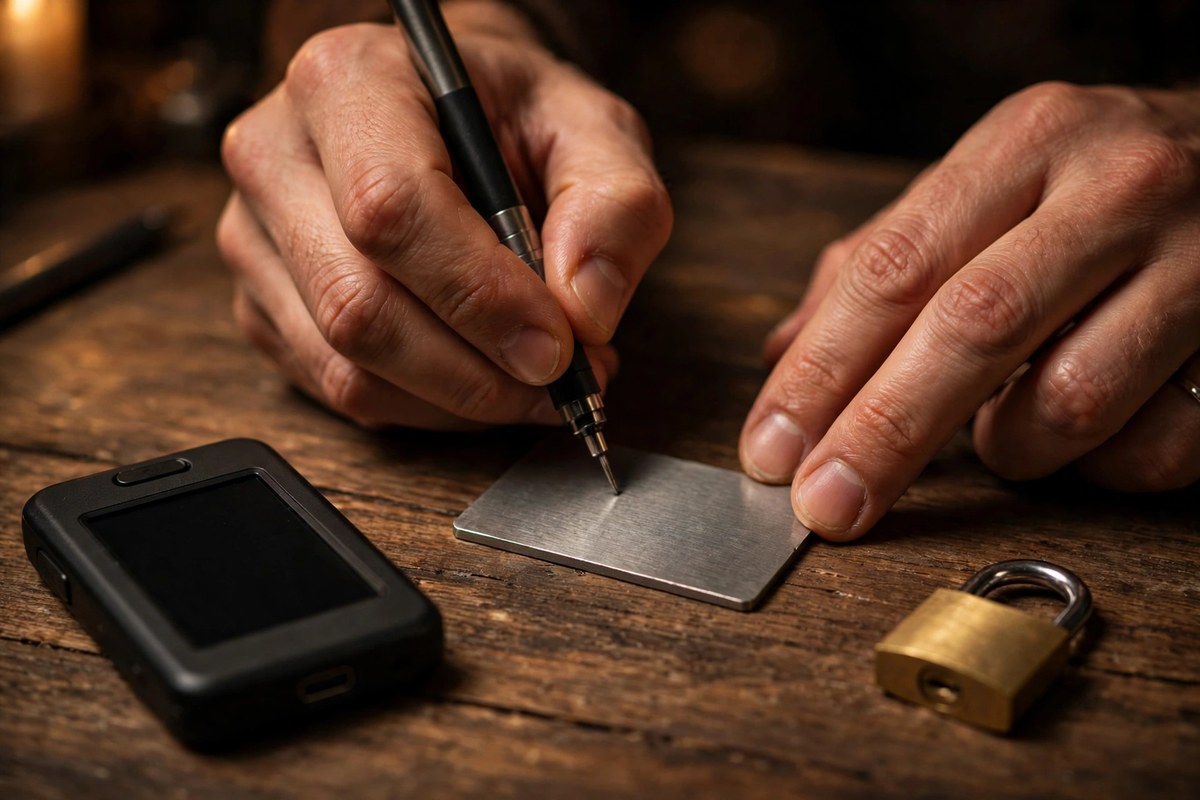
Here it is, plainly: sharing — or storing insecurely — the 12 or 24-word recovery phrase. Every legitimate wallet setup shows it once and tells you to write it down offline. Every scam in crypto is, at its core, an attempt to get you to hand it over: fake support agents, fake wallet apps, fake "verify your wallet" websites, and phishing emails that look exactly like the real company. No legitimate company will ever ask for your seed phrase. Anyone who does is a thief, full stop.
The second half of the mistake is quieter: storing the phrase as a photo, a cloud note, or a screenshot. Those sync to accounts that get breached and phones that get stolen. Write it on paper or stamp it on metal, store it somewhere physically secure, and consider splitting it — Trezor's Shamir backup exists precisely so that no single slip of paper is enough to steal everything.
What About Keeping Coins on an Exchange at All?
Exchanges are for trading, not storage. Keep there only what you plan to trade soon, enable every security feature the exchange offers — hardware security keys beat SMS codes, which can be SIM-swapped — and withdraw the rest. The Binance episode did not make exchanges unusable; it made the cost of treating them as vaults visible. South Korea's 99% cold wallet rule pushes exchanges in the same direction: the industry itself is converging on the idea that most assets belong offline.
That logic also applies to newer products. In early November 2026, BitGo began offering institutional Bitcoin staking through Stacks at a target yield of around 3% in BTC, with principal timelocked in qualified custody. Yield is only worth it when you understand where the coins sit and who holds the keys. Our DEX explainer covers the self-custody trading alternative that record numbers of users turned to after the hack.
Frequently Asked Questions
What is the best crypto wallet for beginners in 2026?
For a beginner's first small purchases, Trust Wallet on mobile is the easiest start, and MetaMask if you plan to use Ethereum DeFi. Once your holdings pass a few hundred dollars, add a hardware wallet — the Trezor Safe 3 or Ledger Nano S Plus at ~$79 — and move your savings there.
Are hardware wallets really worth $79–$169?
Compare it to what they protect. A $79 device guarding $5,000 of Bitcoin costs 1.6% once, forever, with no subscription. For any amount whose loss would hurt, the answer is yes — and entry-level models now offer the same core security as premium ones.
Can a hardware wallet be hacked?
No wallet is magic. Hardware wallets are immune to remote attacks because keys never touch the internet, but they can be defeated by a tampered device bought secondhand, a leaked recovery phrase, or a user tricked into confirming a malicious address on the device screen. Buy direct from the manufacturer, verify the device at setup, and always check the address on the device itself.
What happens if I lose my hardware wallet?
Nothing, if you kept your recovery phrase. Buy a new device from the same or a compatible brand, enter the phrase, and your coins are back — they live on the blockchain, not in the device. Lose both the device and the phrase, and the funds are unrecoverable. That is why the phrase, not the device, is the real wallet.
Is MetaMask safe after the Binance hack?
MetaMask was not involved in the Binance hack, and it remains safe for its intended job — daily DeFi use with amounts you can afford to expose to internet-connected risks. Its risk is phishing, not exchange custody. Pair it with a hardware wallet for signing larger transactions, and never enter your seed phrase on any website.
Should I keep my crypto on Binance, Coinbase, or another exchange?
Only what you are actively trading. Exchanges offer convenience and customer support, but balances are IOUs, not self-custodied coins, and history — from Mt. Gox to the $6.3 billion Binance hack — shows even the largest platforms can be breached. Withdraw the rest to a wallet you control, and treat any exchange as a marketplace, not a vault.
Conclusion: Buy the Wallet That Matches the Amount
The $6.3 billion Binance hack did not create a new rule — it enforced an old one. Money you trade lives in a hot wallet or on an exchange. Money you keep lives on a hardware device, with a recovery phrase stored offline and separately from it. Start free with Trust Wallet or MetaMask, add a $79 Trezor Safe 3 or Ledger Nano S Plus when your holdings matter, and graduate to a Nano X or Safe 5 when you want maximum coverage and a better screen. The best wallet in 2026 is not the most expensive one — it is the one whose security matches the amount it guards, set up before you need it rather than after.
Sources: CoinDesk (November 4, 2026), Tools4Crypto wallet rankings, BlockchainReporter cold wallet comparison, Rankite wallet app comparison.